Design Systems
Part of Design Systems →What I Learned Building a Design System From Scratch
Lessons from building three design systems from scratch — healthcare, eCommerce, SaaS: start with tokens, ship incomplete, decide governance early.
Every design system starts the same way: a Figma file, a Notion doc, and a kickoff meeting where everyone agrees that this time it will be different.
Most design systems don't fail because the components are ugly. They fail quietly: a token system nobody references, documentation that's six months stale, and designers who work around the system because it's faster than working with it.
I've built three design systems from scratch, in healthcare, eCommerce, and SaaS, across organizations with almost nothing else in common. The tools were different. The teams were different. The mistakes were the same. This article covers what went wrong the first time, what changed on the second and third attempts, and what I'd tell anyone starting a design system today.
One scope note before the lessons: this is about a version 1 design system (the first working set of tokens, components, and documentation a team ships), not a mature system with years of governance history. If your system already has adoption and history behind it, most of this still applies, but the risks shift toward deprecation and drift rather than getting off the ground.
Start with tokens, not components
It's tempting to start with buttons. Buttons are tangible: you can show them to stakeholders and check them off a list. That's the first mistake nearly every new design system makes.
Buttons are downstream of decisions you haven't made yet:
- What's your spacing scale?
- What does "primary" mean in your system: your brand colour, or something contextual?
- What's your border-radius philosophy?
If you can't answer these questions, your button component will be wrong in ways you won't notice until it's already shipped everywhere.
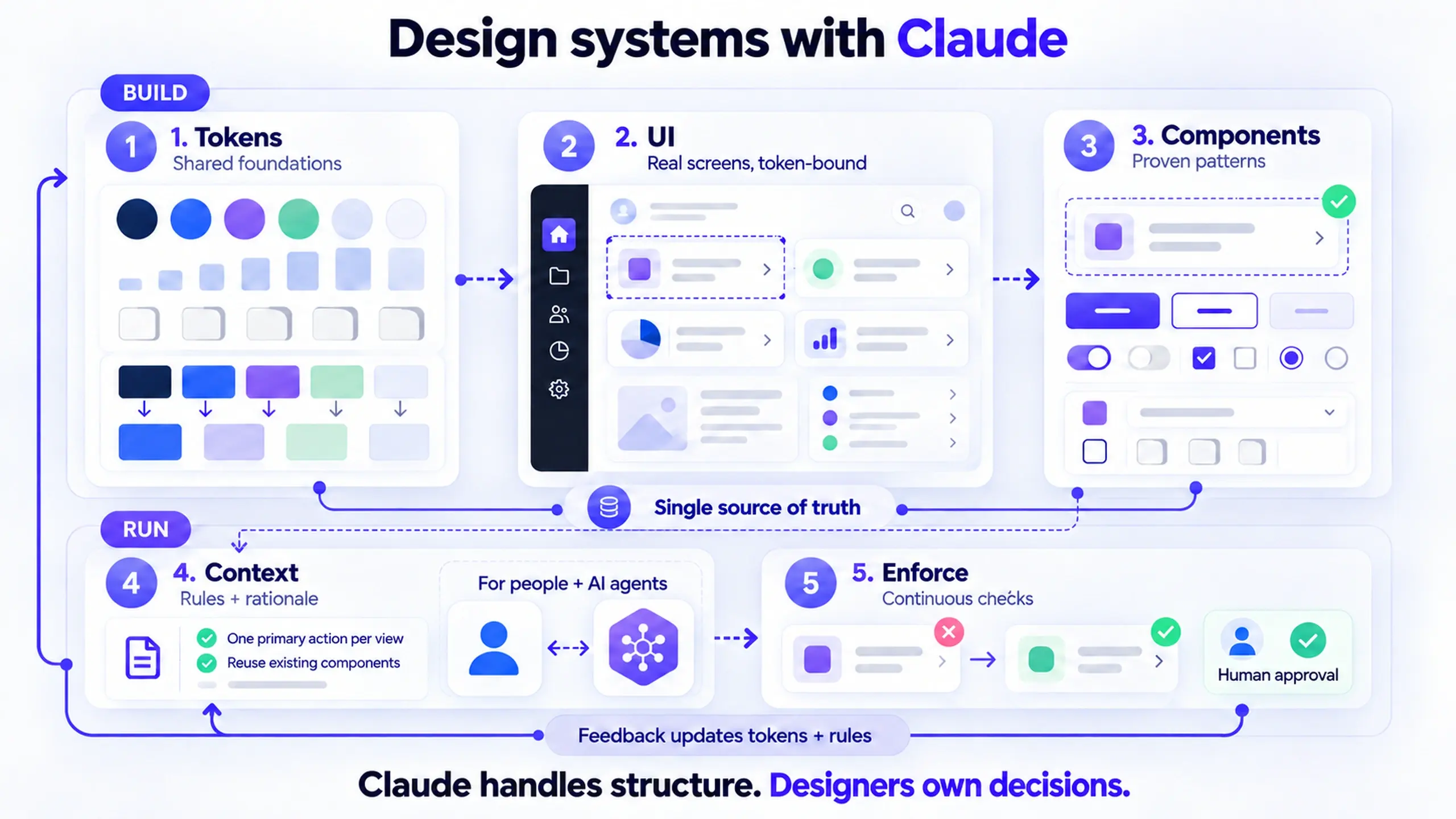
Start with tokens instead. Tokens are your system's vocabulary:
| Token category | What it defines | Example |
|---|---|---|
| Colour | Semantic aliases, not raw hex values | color-action-primary, not #0047FF |
| Spacing | A scale with a clear rationale | 4px base unit, used in multiples |
| Typography | A limited set of text styles | Heading, body, caption, not a font picker |
| Elevation | How layers stack visually | Card, modal, and tooltip levels |
Build components that consume these tokens, not the other way around.
Get the tokens right, and changing your brand colour becomes a one-variable change. Get them wrong, and it's 400 find-and-replace operations six months from now.
Ship an incomplete design system before you try to ship a perfect one
Every design system I've shipped went out the door incomplete. That used to bother me. It doesn't anymore, because an incomplete system that's actually used beats a perfect system that's too heavy to adopt.
- Ship the 20 components that solve 80% of the real use cases
- Ship documentation even if it's rough
- Give your first consumer team something they can build with today
Key takeaway: Adoption is the only metric that matters here. A design system with no users is just an art project.
Design system governance: decide before the first conflict, not after
The hardest problem in design system work was never the design. It was governance.
Who decides whether a component belongs in the shared system or should stay in a product-specific library? Who reviews pull requests? What happens when one product team wants to change a component in a way that breaks another team's usage?
You need a decision-making framework before the first conflict, not after it. The conflict is coming: teams will want exceptions, engineers will have strong opinions about implementation, and designers will diverge on the details.
Before you hit that first conflict, decide:
- Who has final say on whether a component enters the shared system
- Who reviews and approves pull requests against the system
- How a breaking change to a shared component gets communicated and staged
- Whether product teams can fork a component, and under what conditions
- How long an older version stays supported while teams migrate
What's worked for me: a small system team (one or two designers, one engineer) with explicit decision authority, a lightweight RFC process for new additions, and a versioning strategy that lets product teams stay on an older version while they migrate at their own pace.
Documentation is part of the system, not an afterthought
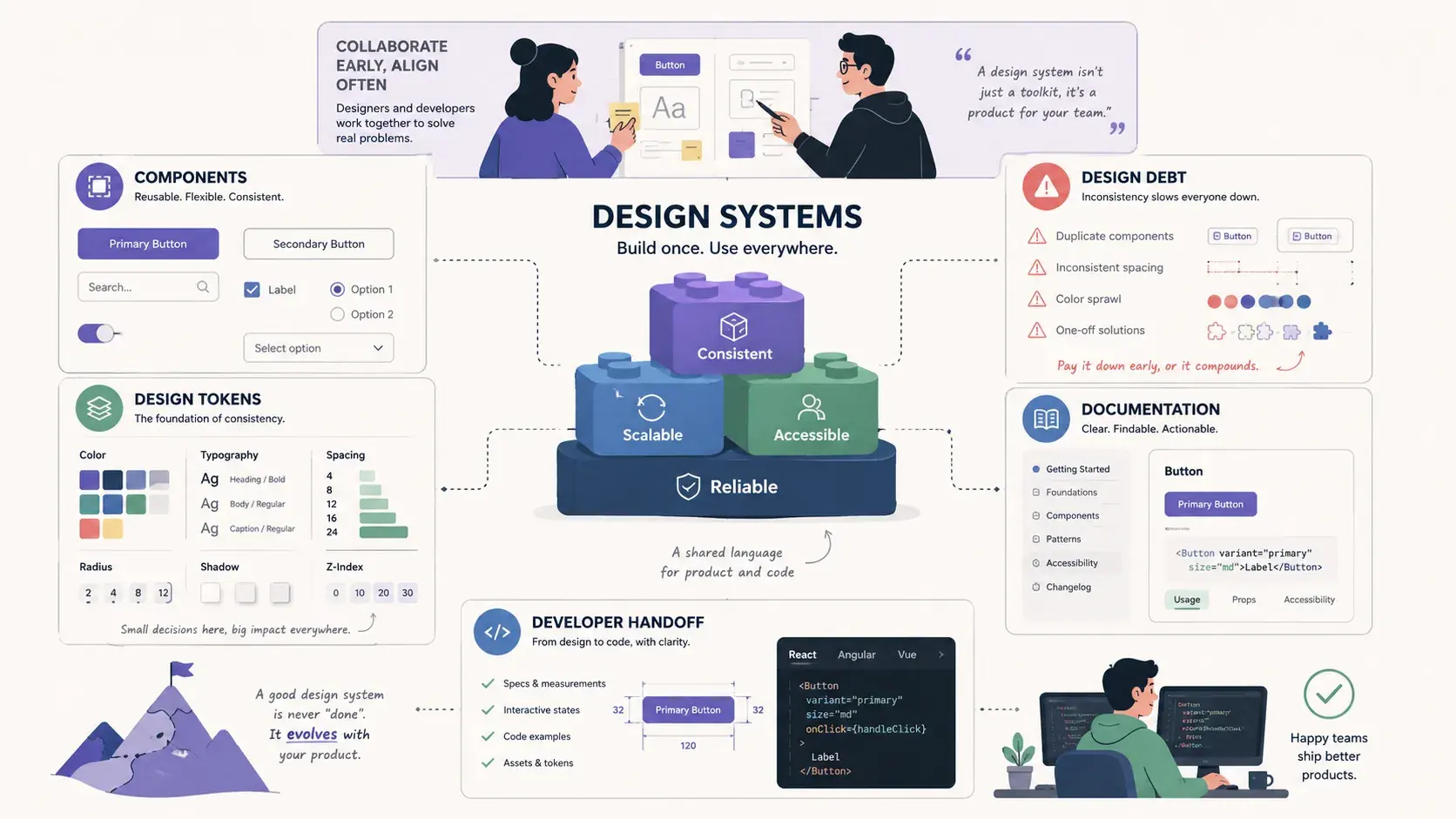
Documentation is a product in its own right. It has users (your colleagues) and a job to do: answer questions before they turn into Slack messages. Like any product, it degrades if nobody maintains it.
The best documentation I've written was written while I was building the component, not after. That's when the context is freshest: you still remember why you made the decisions you made. Six months later, you won't.
Two things belong in every component's documentation:
- Usage guidelines: when to use this, and when not to
- Accessibility requirements: keyboard behaviour, ARIA patterns, focus management
Everything else is helpful. Those two are non-negotiable.
Where this advice doesn't apply
None of this is universal. A two-person startup with one designer and one engineer doesn't need an RFC process, a formal system team, or a versioning strategy. The overhead would slow them down more than an undocumented component ever would. Governance earns its cost once more than one team depends on the system and conflicts start happening more than once a quarter.
If your organization already has a mature system with real adoption, the priority is different: it's less about shipping fast and more about managing deprecation, migration, and drift. The lessons above are specifically about the first stretch of a system that doesn't exist yet.
A design system is a product, not a project
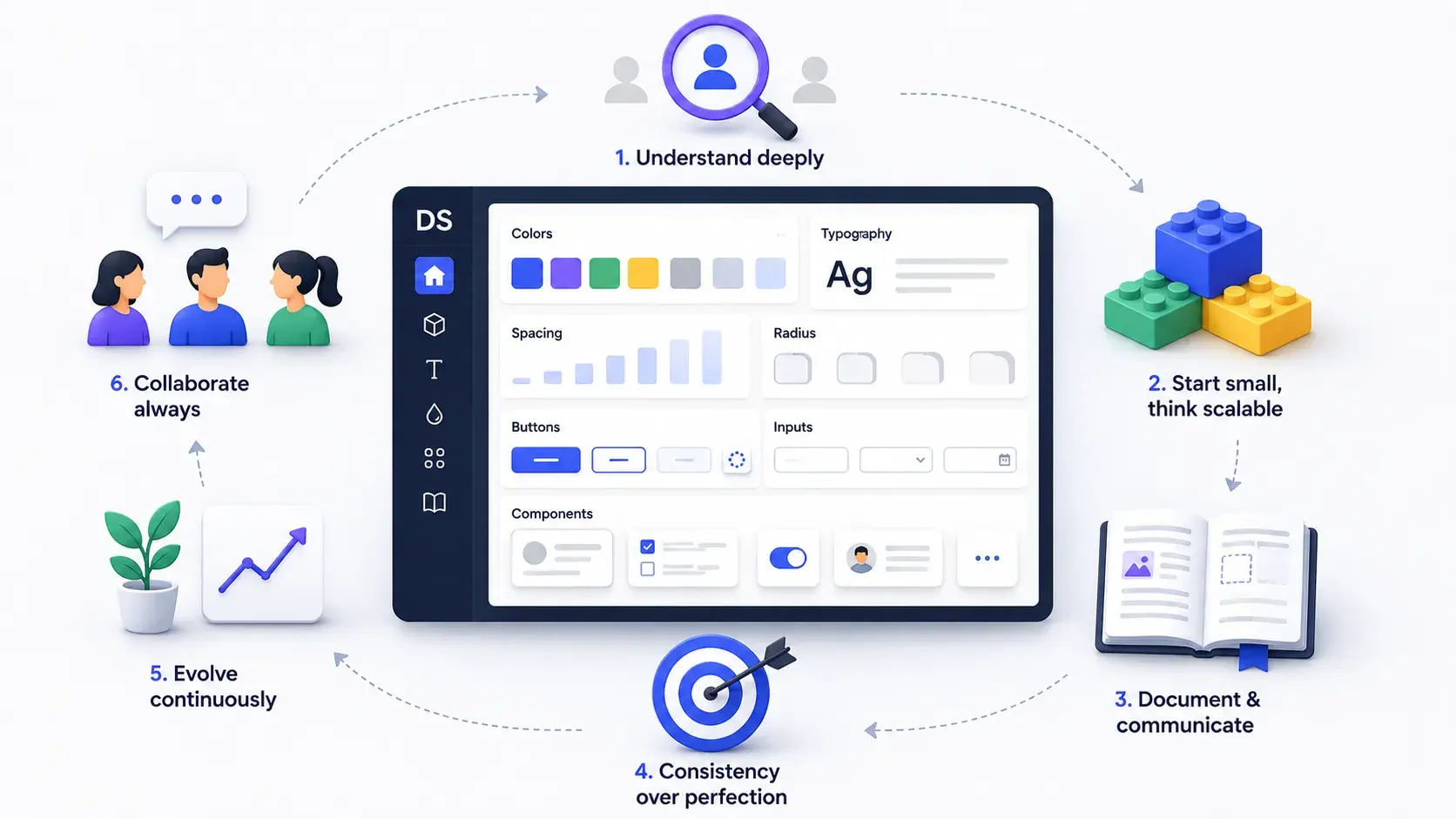
A design system is never done. It's a living product, and the systems that survive are the ones with someone who actually cares about them: someone who treats component requests like product requirements, argues for the system's value in roadmap meetings, and maintains the documentation the way a librarian maintains a catalogue.
If nobody owns the design system, nobody will use it.
That's not a throwaway line. After three of these, it's the single biggest reason design systems die.
Common questions about building a design system from scratch
How many components should a version 1 design system include? Enough to cover the patterns your first consumer team already uses in production, not a complete library. In my experience that's been closer to 15 to 25 components: the reusable primitives (buttons, inputs, cards, modals) rather than every variant a design file contains.
Who should own a design system? Someone specific, not a rotating committee. A small, named team, typically one or two designers and one engineer with explicit authority, has worked better for me than shared ownership across product teams, because shared ownership tends to mean no ownership once deadlines get tight.
How long does it take to build a design system from scratch? This depends enough on team size, existing product debt, and organizational buy-in that giving you a fixed number would be a guess dressed up as an answer. What I can say is that the first usable version (tokens plus a core component set plus basic documentation) took less time in every case than the governance and adoption work that followed it.
Update (September 2026): AI didn't remove the governance problem
Since I first wrote this, AI codegen tools became good enough to generate a plausible-looking button, card, or form in seconds, no design system required. That changed the shape of the risk, not the lesson.
Before, an ungoverned system produced drift slowly: a designer eyeballs a spacing value, an engineer hardcodes a colour, and it takes months to notice. Now a team can generate a dozen visually convincing but token-blind components before lunch, each one plausible in isolation and inconsistent in aggregate. AI makes an ungoverned system worse faster, not obsolete. It hasn't changed what governance is for; it's raised the cost of not having it.
The fix is the same one this article already argues for: tokens and governance decided early, so AI-generated work has something real to conform to. What's different in 2026 is that "ship it fast with AI" is no longer a reason to skip that step. It's the reason the step matters more.
Where to start today
If you're starting today, resist the urge to open a component library file first.
- Define your token categories (colour, spacing, typography, elevation)
- Decide who owns the first governance decisions
- Ship something incomplete to one real team before you try to make it complete for everyone
This post was edited with AI assistance for clarity and formatting.

Sanjay Shrestha
Senior Product Designer · CUA™ Certified
15+ years designing enterprise SaaS, B2B, and government digital products. Currently at Decisions.
Keep Reading